


Editor’s Note: This is the second guest post from BHS students who have experimented with Google Glass. I’d like to point out that this post was the collaborative and voluntary effort of the students. After finding out that we had a pair of Google Glass, the students of Mr. Wood’s AP Biology class approached me and asked if they could experiment with Glass. It is evident from their post and the video they captured, which can be seen below, that they are very intrigued by Glass and curious to explore its potential in an educational setting.
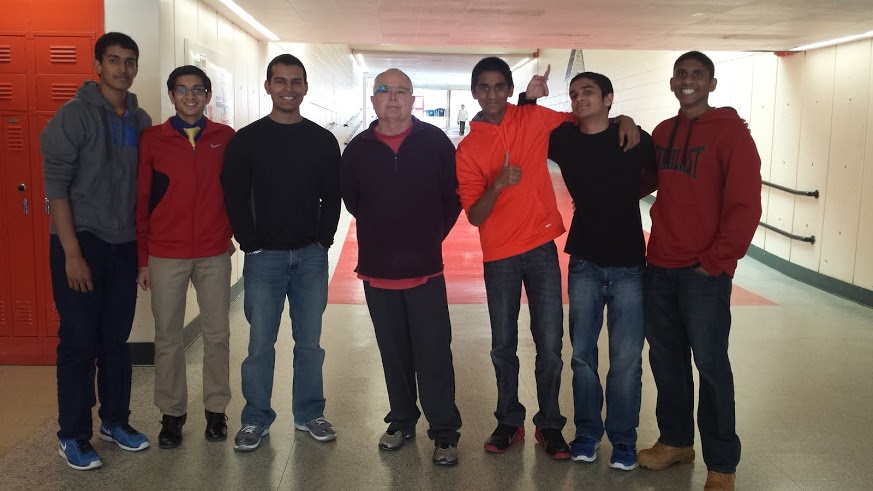
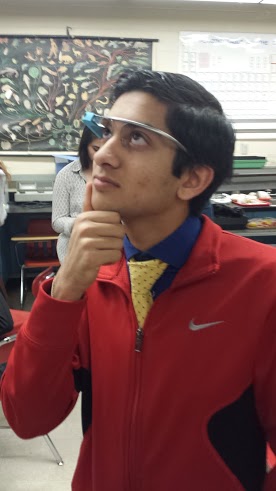
This is the group of students that used the Google Glass in the Electrophoresis Lab. From left to right, we have Arvind Pasupuleti, Shivesh Shah, Aman Srivastav, Mr. Wood, Ashay Lokhande, Jay Patel, and Kush Patel. Mr. Wood is wearing the Google Glass in the picture because he authorized us to use it during the Electrophoresis Lab. His desire to integrate technology in learning has led to a much more efficient AP Biology class that is enriching for all students involved.
Encouraging Innovation
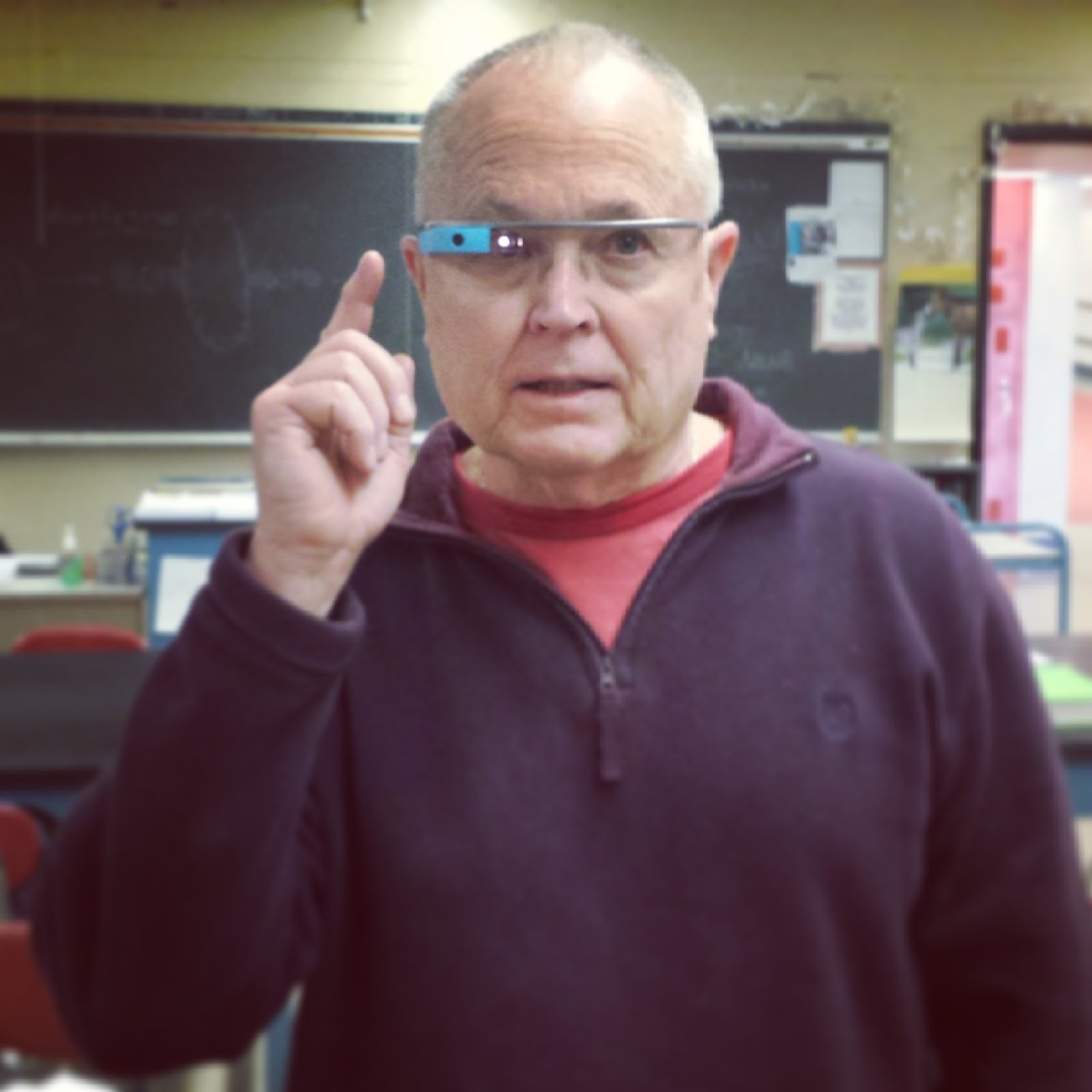
Mr. Wood encourages the use of technology to improve learning experiences. In this picture, he is trying out the Google Glass to see exactly how it works and how it can be used in his lectures. During our Electrophoresis Lab, Mr. Wood wanted us to record our method so that we could later observe exactly how effective the lab was. The Google Glass also helped us really focus in on the lab as we wanted to record the best execution of the Electrophoresis Lab that was possible. Mr.Wood is one of best teachers any of us have ever had. He is hard working and is never overlooking an opportunity to give his students an edge in their learning. The Google Glass is just one of many instances in which he has tried to acquire technology to help advance his student’s knowledge and learning capabilities.
Experience with Google Glass
This is not my first time using the Google glass, but it is my first time using them in my bio class. Below describes my first impression of the Google glass while using them in a mock trial for AP world history:
“The Google glass are an innovative technological marvel, that certainly has some productive uses…When I first saw the Google glass I was like most people, I was skeptical. How would this be of use? Would this be too distracting to be used in any formal or intensive settings? However, I was proven wrong…The most surprising thing, however, was that it did not distract the user much. The screen can be so discreet that it can be used efficiently and productively in school. During the trial of the Mongols in my AP World class, I was able to say my closing statement with the glasses on. I was never distracted by them during my speech. This was a great experience, and is one that I cannot wait to relive.” The full post can be found here.

Even though I have previously used the Google Glass, I am still baffled by it’s capabilities and effectiveness. The use of the Google Glass in science may be questioned at first, but ends up being a perfect match. Its effectiveness was surprising the first time I used them. This time, however, it amazed me with its practicality in the sciences. My precursory thoughts, in regards to the use of Google Glass during a lab, was that it would cause me to mess up in the lab. I knew that the screen would not distract me because I used them before. However, I was just standing and talking the first time I used them. Would I not have to worry about the glasses falling off while I worked? Would I not have to take extra time planning and aligning my head to get the perfect video? Would it not record the lab well enough for it to serve a purpose? The answer to all these questions was no, no it would not. The Google Glass may feel a bit odd at first, but quickly become unoticable. They do not feel like they could fall off your face, and they are certainly not a nuisance. The best thing, however, was how magnificent the 720p video came out. At times I even forgot that I had them on. The only thing that I could possibly have a problem with is that the battery heats up and can make it uncomfortable to wear after a while. However, this is one of the most common problems with new technology. It is also something that can be quickly fixed, so do not fret over such a minute flaw.
The combination of Google Glass with any science is just astounding. Google Glass provides a easy and truly hands free approach to recording data. From recording the process gel electrophoresis, to recording open heart surgery. Google Glass could become key in future scientific discoveries due to its simplicity and effectiveness. However, it can also be very helpful on a smaller scale. While recording the lab, I kept thinking to myself about how these could be used by everyone. Doctors could record surgeries to show to young med. school students. Researchers could record experiments without having to set up multiple cameras to make sure that their findings are captured. Taxonomists could even record their examination of subspecies. That is not all! The amount of possibilities are virtually endless. They could even be used well in a highschool classroom. Mr.Wood sheds some light on such possibilities when he said, “This is amazing! I could even use this to pre-record labs for all my classes.”
A Second Experience with Google Glass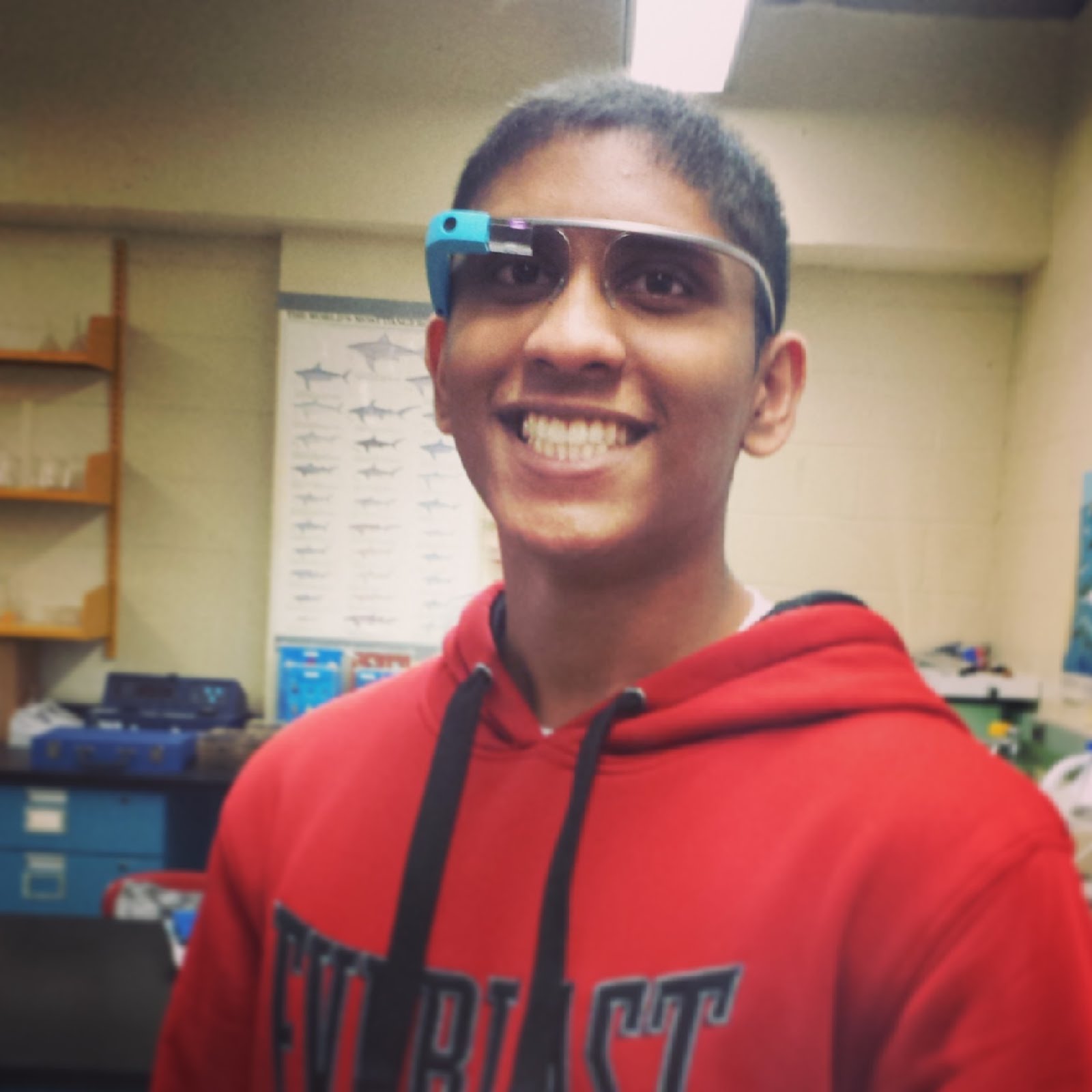
During this lab, I was one of the lucky ones able to actually use the Google Glass. When I first heard of such a product, I honestly doubted the capabilities of a “wearable Android-powered computer” on your head; however, my experience with Glass quickly changed my thoughts. When putting on the Glass for the first time, there was no trouble integrating the miniature display into my vision. With the display in the upper right hand corner, I was able to see things just as clearly and fully as usual. The only difference was that my head now possessed a computer. After about a minute of silently jerking my head up and down and swiping away at the touch-pad on the right side of the glasses in amazement, I was finally able to gather my thoughts. I was astonished at just how much information I could see just with a swipe of my finger! After saying the magic words, “Ok Glass”, I was once again amazed. From the list of commands, I was easily able to begin recording a video. I continued on with the lab procedure as usual, and I was able to successfully complete my part of the lab without any trouble. The screen in the corner was no intrusion on my lab activities. The process of recording a lab normally required 2 people, and resulted in cramped up workspace and a poorly angled video. This was not the case, however, with the Google Glass. I was able to perform the steps without having someone follow me around and stick a camera into my field of view. In addition, the 720p video produced in the end was both high quality, and at an angle that really gave an insight into the process of a lab experiment. This product really gives a new meaning to putting oneself in another’s shoes! When I finished with the Google Glass, I could not imagine the endless applications of such a product. I can see Glass being used in places like laboratories, or even on the streets of a city. While I only sampled a fraction of the capabilities of Glass, the full potential of this product has not yet been reached. I cannot imagine the change the innovative Google Glass will bring to this modern world.
Applications of Google Glass
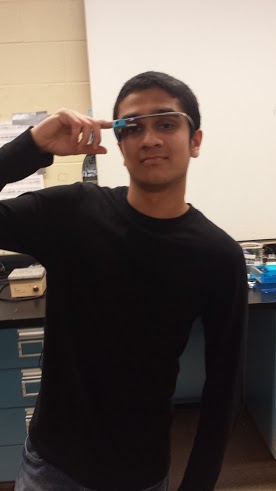
After learning about how Google Glass worked, I was extremely amazed that such a device existed! Being able to try it out was an extraordinary opportunity, and the glasses felt like they were straight out of a science fiction movie. With the features available on Google Glass, I could easily tell that these would be come in handy for other things rather than just lab experiments. For example, if you wanted to look up a picture of a cell undergoing metaphase in mitosis, the glass could pull up a picture within seconds! I can see the Google Glass improving in the future and becoming more widespread and used by more and more people.
Features of Google Glass
Google Glass is a wearable computer with an optical mounted display that is being developed by Google in the Project Glass research project. Google Glass displays information in a smartphone-like hands free format that can communicate with the Internet via natural language voice commands.
Here are seven cool features for the Google Glass:
- Record Videos & Take Pictures – The Google Glass can record 720p videos and take pictures at 5 MP without requiring the user to touch the hardware. Just say the word and Google Glass will take a picture or record a video. The photos and videos will be stored on the 12 GB of usable flash memory out of the 16 GB total of the device, and can also be shared on social networking websites or emailed.
- Show Messages – The second cool feature is that Google Glass will show you text messages as well as emails you receive. It will also allow you to reply to them by voice commands.
- Finding Information – If you are in the habit of asking a lot of questions, you will love the Google Glass because you can google unknown things in an instance. You simply ask a question and the device will pull the answer from the internet. For example, you can ask when the Statue of Liberty was built or to give you a few photographs of a bacteria cell dividing and the device will display the results in front of your eyes.
- Maps – Google Glass uses the popular Google Maps, so that users will be able to record the course of their journey or to just look up locations by using voice commands.
- Video Sharing – Google Glass can also show the world that you are seeing, which makes any event a memorable experience for everyone. If you are attending a family function, sports event, or a concert, the Google Glass will allow you to share the feed with your friends and family in real-time and make them a part of the experience.
- Google Now – Google Now, the digital voice assistant for Google, has been integrated in this device. Google Now uses natural language to answer questions, make recommendations, and perform actions. It will keep track of your daily habits, such as when you leave for office or the websites you look at when browsing the web. It will give you recommendations for other sites on the web or even give you weather updates periodically.
- Language Translation – This feature is neat and comes in handy when dealing with situations abroad. The user just needs to ask Google Glass to translate a phrase/sentence from one language to another and it will satisfy the user’s needs.

Google Glass - Future Implications
When looking at my peers wearing Google Glass during our lab, I was reminded of science fiction movies where similar glasses were used. Just a few years ago, no one could have imagined that such glasses would become reality and that high school students would be able to experience this technology first-hand. While Google Glass is undoubtedly beginning to change the way students are learning and actually experiencing curriculum, this technology is poised to change every facet of our lives outside of academia.
In the future, it is conceivable that everybody will own a pair just as most of us own a cellphone. While only in its relative infancy and being used in a trial phase, Google Glass is beginning to already change the way people live their lives. Currently, Virgin Atlantic staffers are using (trail phase) Google Glass for first-class passenger check-in and foreign language translation of notices. Educators are already using Google Glass for instructional purposes, and coaches are using the technology to gain better data perspective on player performance. The New York City Police Department is using the glasses to evaluate law enforcement procedures.
 With the exponential rise in technology, battery life will increase, applications will be developed, and processing speeds will increase, all contributing to widespread use of immersion technology. The design of the head-mounted glasses will evolve, resulting in a streamlined and cost-effective device with greater functionality. Surgery, gaming, journalism, and law enforcement are just some areas that will be impacted in the future, giving give rise to ethical, legal, and moral dilemmas never faced before. It is not hard to imagine surgeons using Glass to access patient history and locate incision points. A doctor will be able to spend more time with his patient and arrive at a diagnosis and treatment plan faster due instant access to patient data, drug interaction information, and reference data. The sports enthusiast will never miss a game, soldiers will use the technology to increase situational awareness in the field, and watching movies and gaming will become more realistic than ever imagined. The possibilities are endless with Google Glass, and this is only the beginning.
With the exponential rise in technology, battery life will increase, applications will be developed, and processing speeds will increase, all contributing to widespread use of immersion technology. The design of the head-mounted glasses will evolve, resulting in a streamlined and cost-effective device with greater functionality. Surgery, gaming, journalism, and law enforcement are just some areas that will be impacted in the future, giving give rise to ethical, legal, and moral dilemmas never faced before. It is not hard to imagine surgeons using Glass to access patient history and locate incision points. A doctor will be able to spend more time with his patient and arrive at a diagnosis and treatment plan faster due instant access to patient data, drug interaction information, and reference data. The sports enthusiast will never miss a game, soldiers will use the technology to increase situational awareness in the field, and watching movies and gaming will become more realistic than ever imagined. The possibilities are endless with Google Glass, and this is only the beginning.


